

A GMC misrepresentation suspension tells you almost nothing about what’s wrong. Here I’ve jotted down notes to find the needle in the haystack and what to do when you think the automated assessment is wrong.
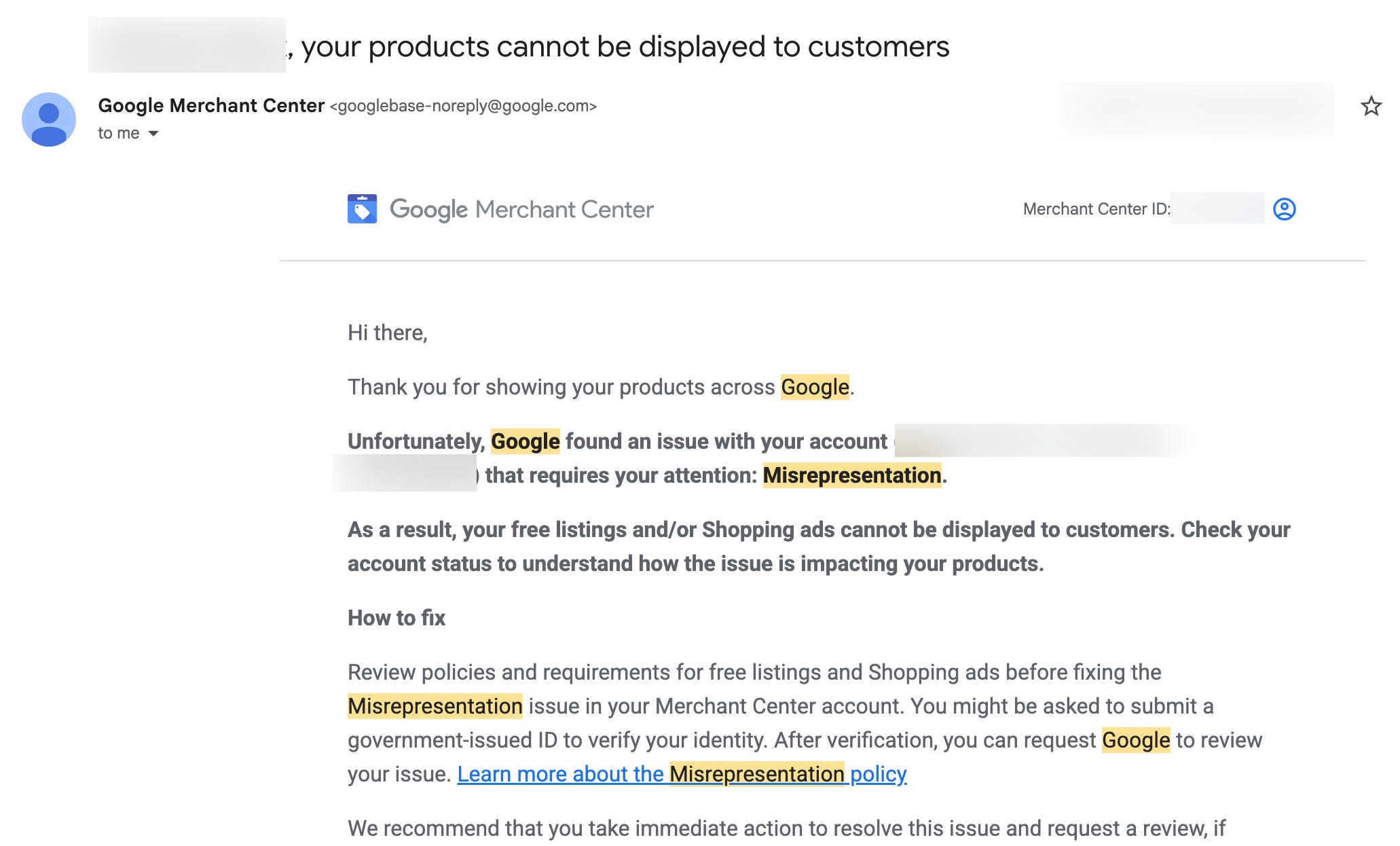
If you get a Google Merchant Center (GMC) notification “Account suspended due to misrepresentation”, your heart may sink. No specifics and no helpful hints pointing out the problem. Just suspended.
If you sell online, few things are as confusing as a GMC misrepresentation suspension. Google is saying “something about your store doesn’t match what you’re telling us” without necessarily telling you what. For small site owners, it feels like finding a needle in the haystack.
“Misrepresentation” Says Very Little
A big range of issues are categorised under the “misrepresentation” umbrella. Product prices might not be matching your landing page. Your business address might be incomplete. Your return policy might be too vague. Your structured data might be telling Google different information than what your customers actually see.
The issue crops up in Shopify community forums and Reddit posts. A merchant gets suspended, sinks days into going through their store, fixes everything they can think of, appeals and gets either an approval (!) or another rejection. Some merchants could go through multiple cycles before landing on the actual issue.
Merchants aren’t necessarily doing anything dishonest. It’s that Google’s automated systems check dozens of things and a mismatch on any of them can trigger the same ambiguous suspension notification.
Where to Start Your Search
Based on personal experience and what merchants consistently report fixing before getting reinstated, here are common culprits.
Price Mismatches Between GMC Feed and Landing Page
This can be a common trigger. If the price in your GMC product feed doesn’t exactly match what a visitor sees on your PDP, Google treats it as misrepresentation. Common causes include:
Currency conversion shows a different price to visitors from different countries
Dynamic pricing or discounts that change the displayed price after the GMC feed was last crawled
Hardcoded prices in banners or promo that don’t update when you change product prices in Shopify
Tax-inclusive and tax-exclusive pricing discrepancies
Tip: Use your browser’s developer tools to check the og:price:amount and product:price:amount meta tags on your PDP. If they don’t match the visible price, this could be an issue.
Missing or Incorrect Structured Data (JSON-LD)
Google looks at structured data (JSON-LD markup) to verify what you’re selling. If your PDP lacks a Product schema with price, currency and availability fields, Google might guess which can lead to mismatches.
Tip: Check whether your PDP structured data includes:
Product schema with `offers` object
Price and priceCurrency matching your page
Availability using values (`InStock`, `OutOfStock`), not `true`/`false`
Incomplete Business Information
Google wants to verify that you’re a business. That could mean:
A physical address
A phone number or contact page
Business name that matches your domain and Google account
An “About Us” page that isn’t a placeholder page
Vague or Missing Store Policies
Your return policy, shipping policy and privacy policy need to be specific to your business (Shopify usually autogenerates them but make them specific to you). “We accept returns” probably isn’t sufficient. You need to specify timeframes, conditions and process. Shopify has policies you can use that I assume (!) are standardised and battle-tested. Placeholder policies copy-pasted from template generators could get flagged.
Product Data Doesn’t Match
Google checks that GMC product titles, descriptions, images and availability status match landing pages. Showing an item as “in stock” when the landing page says “sold out” could lead to misrepresentation.
A Checklist
When you have no idea, you can work through this systematically:
1. Open a product page and compare details with your GMC product listing
2. Check meta tags in the page source for price, currency, and availability. Check they match the page
3. Test with Google’s Rich Results tool to see what structured data Google extracts
4. Visit your own site from a different country (use a VPN or use Shopify’s country dropdown) to check for currency or pricing inconsistencies
5. Read your policies and check they are specific, complete and easy to find
6. Verify business details match across the site and GMC account
7. Check for placeholder content anywhere on the site, including footer links, About and policy pages. Remove them
Disagree If You’ve Checked Everything
It’s difficult to know if you’ve made all the fixes.
Fix everything methodically. Work through the checklist. When you’re confident you’ve addressed everything you can find, you have the option to click “I disagree with this issue.” It feels scary but their assessment may have been made automatically by a system. If you’ve made the fixes and the automated assessment is wrong, you can just say so.
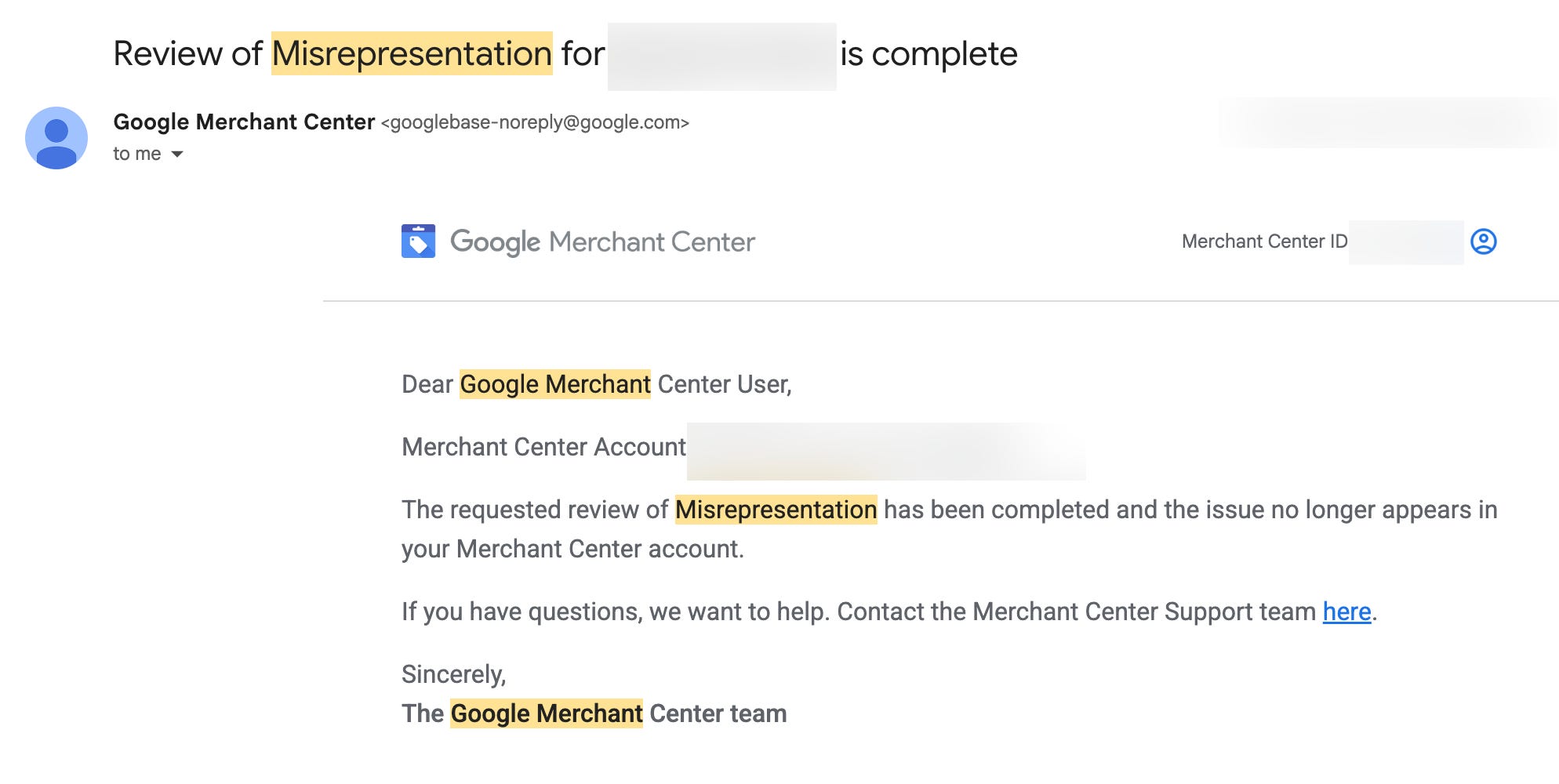
In my experience, the turnaround was fast. I fixed issues one day, clicked “I disagree” and had a “Review of Misrepresentation... is complete” email within a day.
The community appears to suggest avoiding re-appealing too quickly. But if you’ve genuinely fixed everything and you believe the automated assessment was incorrect, use the “I disagree” button. The reviewer will be a human (hopefully!).
Helpful References
These resources helped me understand the GMC suspension better:
Google Merchant Center Help: Misrepresentation policy: Google’s explanation of what counts as misrepresentation
Google Merchant Center Help: About account-level enforcement: How suspensions work
Google’s Rich Results Test: Check structured data that Google can extract from your site
Schema.org Product markup: The spec for Product structured data
Google Merchant Center Help: Troubleshoot product data issues: Google’s troubleshooting
A Note From Experience
I won’t pretend I know exactly what fix overturned my issue. But going through fixes and disagreeing with the automated decision worked. If you’ve made the fixes, you could be right.
I write more like this at blog.mariohayashi.com, and feel free to follow me on X: @logicalicy.